Why Running Models in the Browser Might Actually Matter
Why running smaller models locally can reduce latency, lower costs, and make interactive AI products feel much better to use.
Sam
Creator of RVE
Most AI features today follow the same basic pattern: you trigger something in the UI, a request goes to a server, a model runs, and a response comes back.
It works, and for a lot of use cases it’s completely fine.
Where it starts to break down is when you try to embed that loop into something interactive.
Key takeaways
- Cloud inference is fine for occasional or heavy AI tasks, but repeated micro-interactions create visible latency and cost.
- Running smaller models in the browser becomes interesting when it protects flow inside interactive products like editors and design tools.
- WebGPU does not replace the server; it changes which parts of the AI loop are practical to keep local.
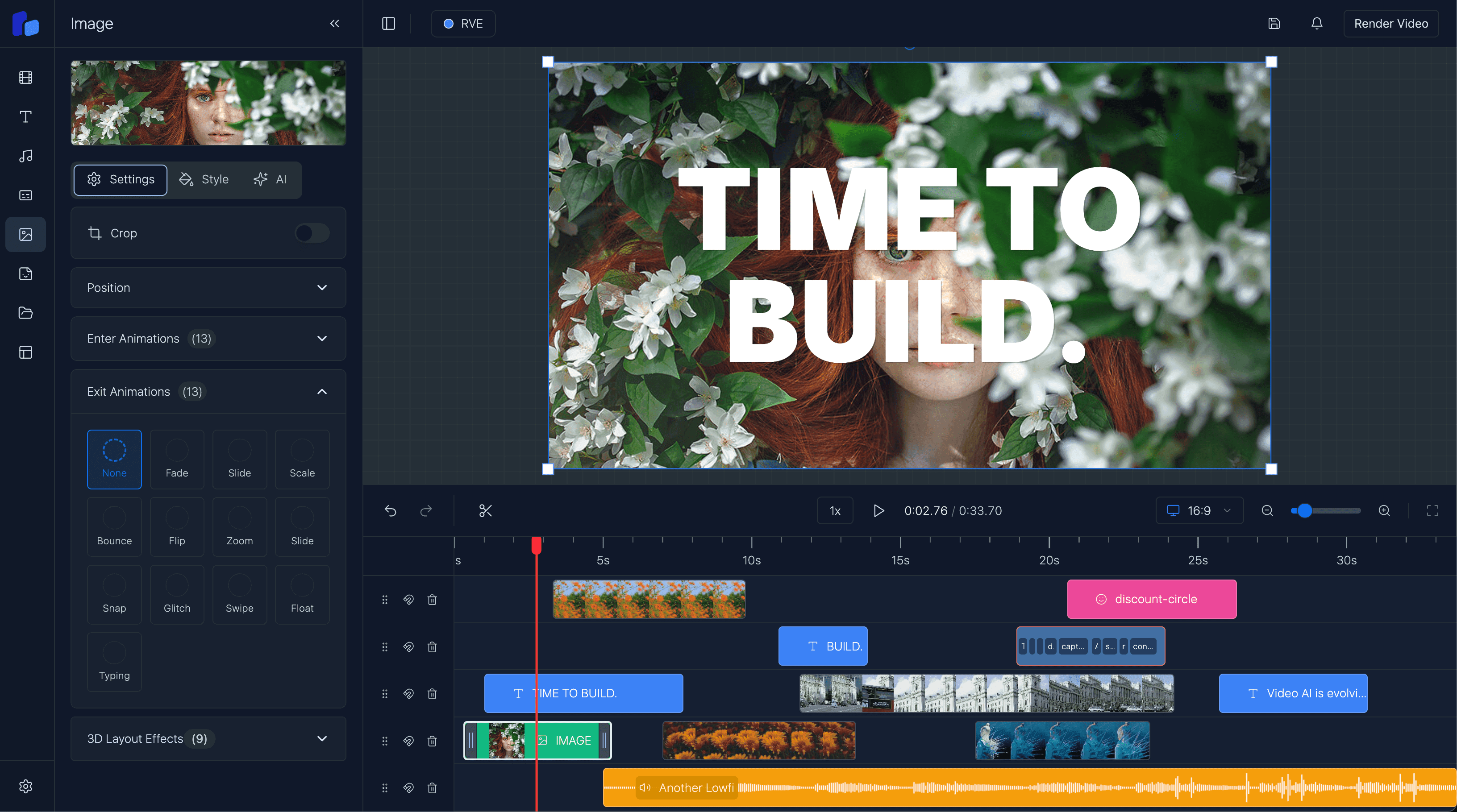
If you’ve worked on anything like a video editor, design tool, or even just a UI where users are making lots of small changes, you feel it pretty quickly. It’s not that the model isn’t capable. It’s that every interaction carries a cost, both in latency and in actual money.
The problem is not model capability
You tweak something, wait a second, try another version, wait again.
Each delay is small, but together they add up and start to interrupt the flow. It stops feeling like something you can experiment with and starts feeling like something you have to be deliberate about.
At the same time, every one of those interactions is hitting an API. That’s fine when it’s occasional, but it becomes expensive when users are doing it constantly. And in products like editors, that’s exactly what happens.
Option A
When every interaction goes to the server
- Small iterative edits inherit network latency even when the model response itself is simple.
- High-frequency usage quietly becomes expensive because every tiny improvement is an API call.
- The product starts to feel like users need to ask permission before they can experiment.
Option B
When some interactions stay local
- The fastest, most repeated actions can respond immediately inside the UI.
- You keep cloud compute for the moments that actually need it.
- The product feels more fluid because iteration no longer depends on a round-trip every time.
A simple example: caption editing
Captions are a simple example.
Generating them is a heavier task and makes sense to run on the server. But once they exist, the real work is in editing them: fixing grammar, adjusting tone, rewriting lines, and trying different versions.
That’s an iterative process. If every small change involves a round-trip to a cloud model, the friction becomes obvious very quickly.
Why browser-side models become interesting
This is where running models in the browser starts to become interesting.
Not because it replaces the cloud, but because it reduces how often you need to rely on it. Instead of sending every small interaction away, you keep some of that logic local. You make a change and get an immediate response, try something else, and keep going without breaking your flow.
WebGPU is what makes that shift possible.
Before it, running models in the browser was technically doable but rarely practical. Performance just wasn’t there. With GPU access, smaller models can run fast enough that they start to fit into real product workflows. Not perfectly, and not for everything, but enough to change how you think about where things should run.
The important shift is selectivity
The important shift isn’t “move everything to the browser.”
It’s being more selective.
Heavy tasks like transcription, rendering, or anything long-running still belong on the server. But the smaller, high-frequency interactions, the ones users hit repeatedly, are where local inference starts to make a real difference.
Once you split things that way, the product starts to feel very different. You’re still using the cloud where it makes sense, but you’re no longer dependent on it for every small action.
The interface feels faster, more responsive, and easier to work with. And over time, the cost profile improves as well, because you’re not firing off requests for every minor change.
What local inference improves
- Repeated UI interactions can feel immediate instead of network-bound.
- You reduce how often small edits need paid API calls.
- The product feels more natural to use because experimentation is cheaper and faster.
What it does not remove
- Heavy tasks like transcription, rendering, and long-running jobs still belong on the server.
- Browser inference still has to deal with device variability, memory limits, and model loading cost.
- The goal is not full client-side AI. The goal is removing friction where it matters most.
Why this matters for video editors
For something like a video editor, that distinction matters a lot.
These are already heavy, stateful applications, and if AI feels slow or awkward, people simply won’t use it. Lowering that friction, even for a subset of features, can make the difference between something that feels bolted on and something that actually improves the product.
WebGPU doesn’t suddenly solve everything, but it does shift what’s practical. It makes it realistic to run smaller models locally, which in turn reduces how often you need to hit the cloud.
That has a direct impact on both speed and cost, and more importantly, on how the product actually feels to use.
Next step
The win is not replacing the cloud, it is being smarter about when you need it
Use server inference for the heavy lifting. Use browser-side models for the fast, repeated interactions that shape how the product feels in real use.