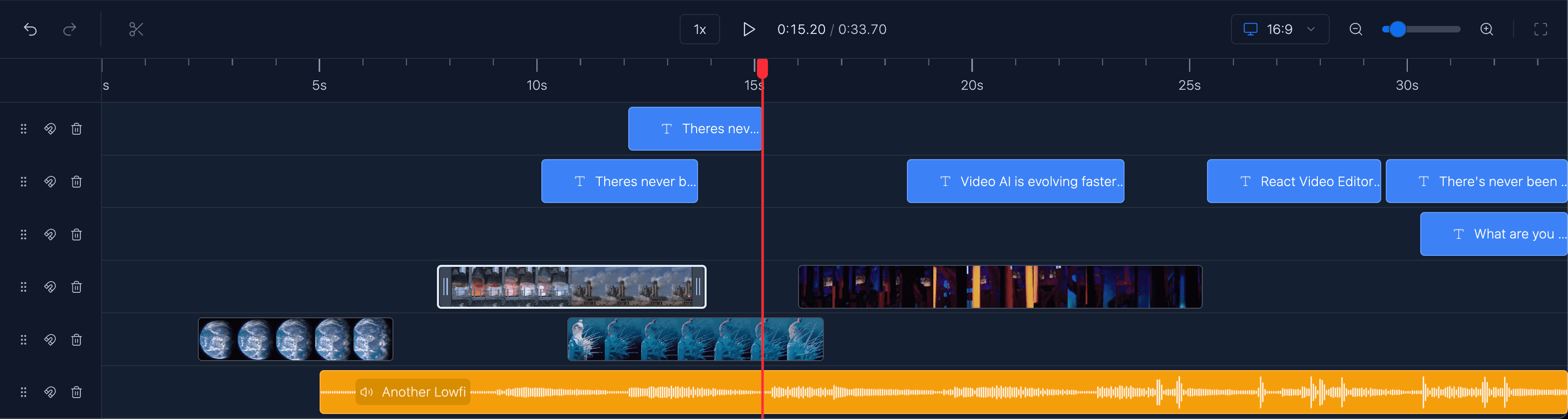
Timeline Editing
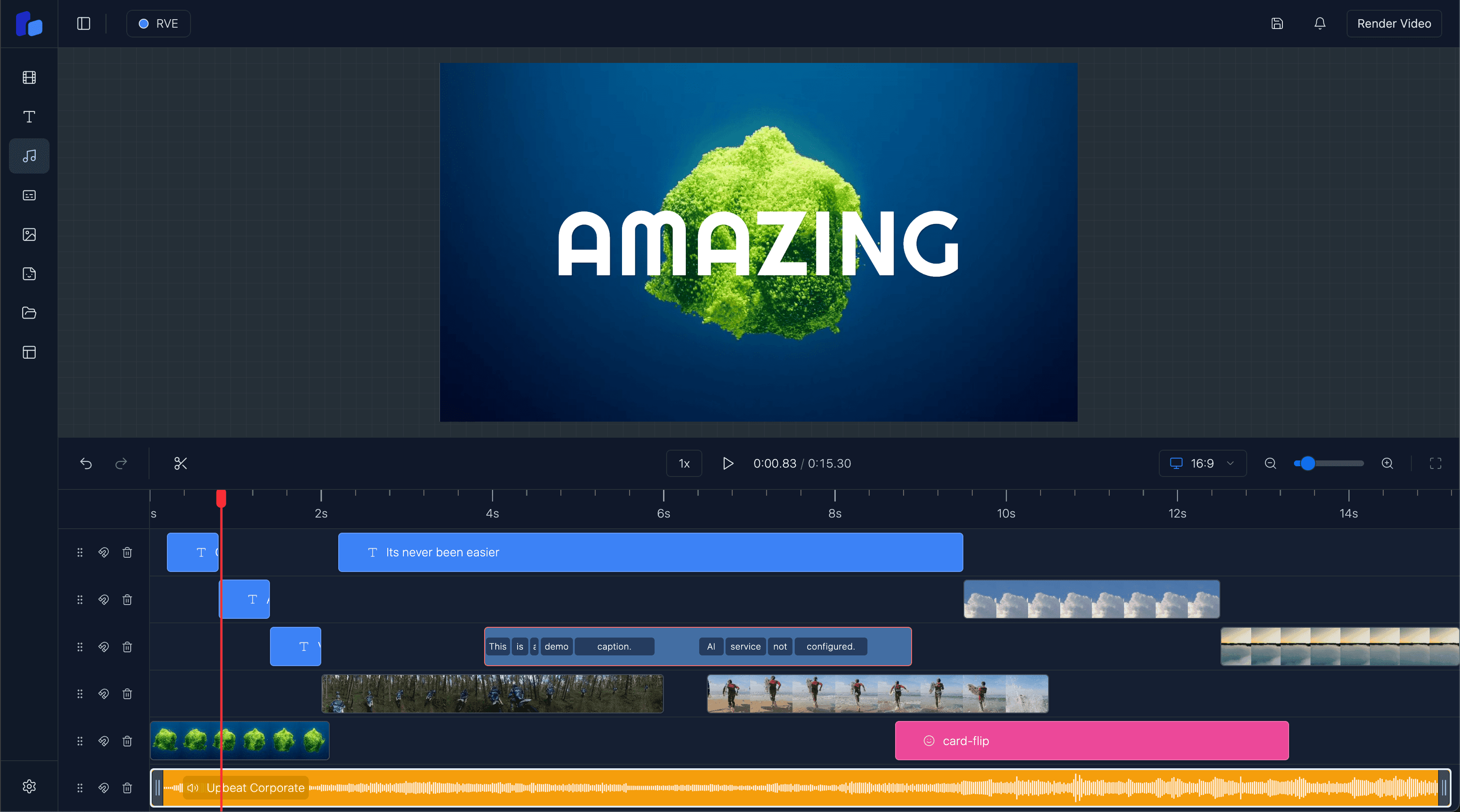
See how timeline interactions, sequencing, trimming, and time-based editing fit inside a React-native editor workflow.
Explore this feature
If you are evaluating what React Video Editor can actually do, start here. This hub groups the most important feature pages so search engines, LLMs, and buyers can navigate the product surface more cleanly.
See how timeline interactions, sequencing, trimming, and time-based editing fit inside a React-native editor workflow.
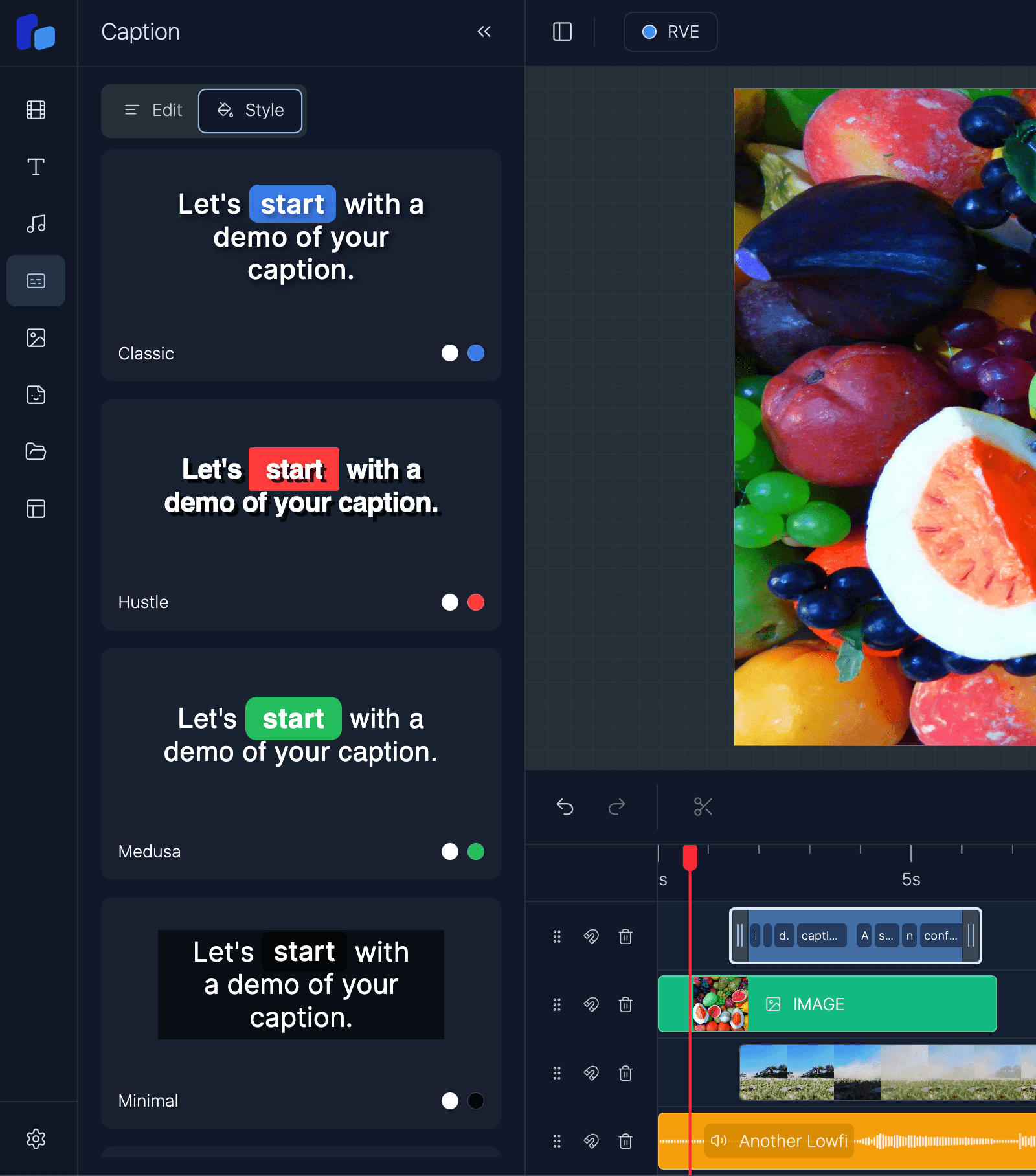
Review the caption-editing surface for subtitle workflows, timing changes, and user-facing text overlays.
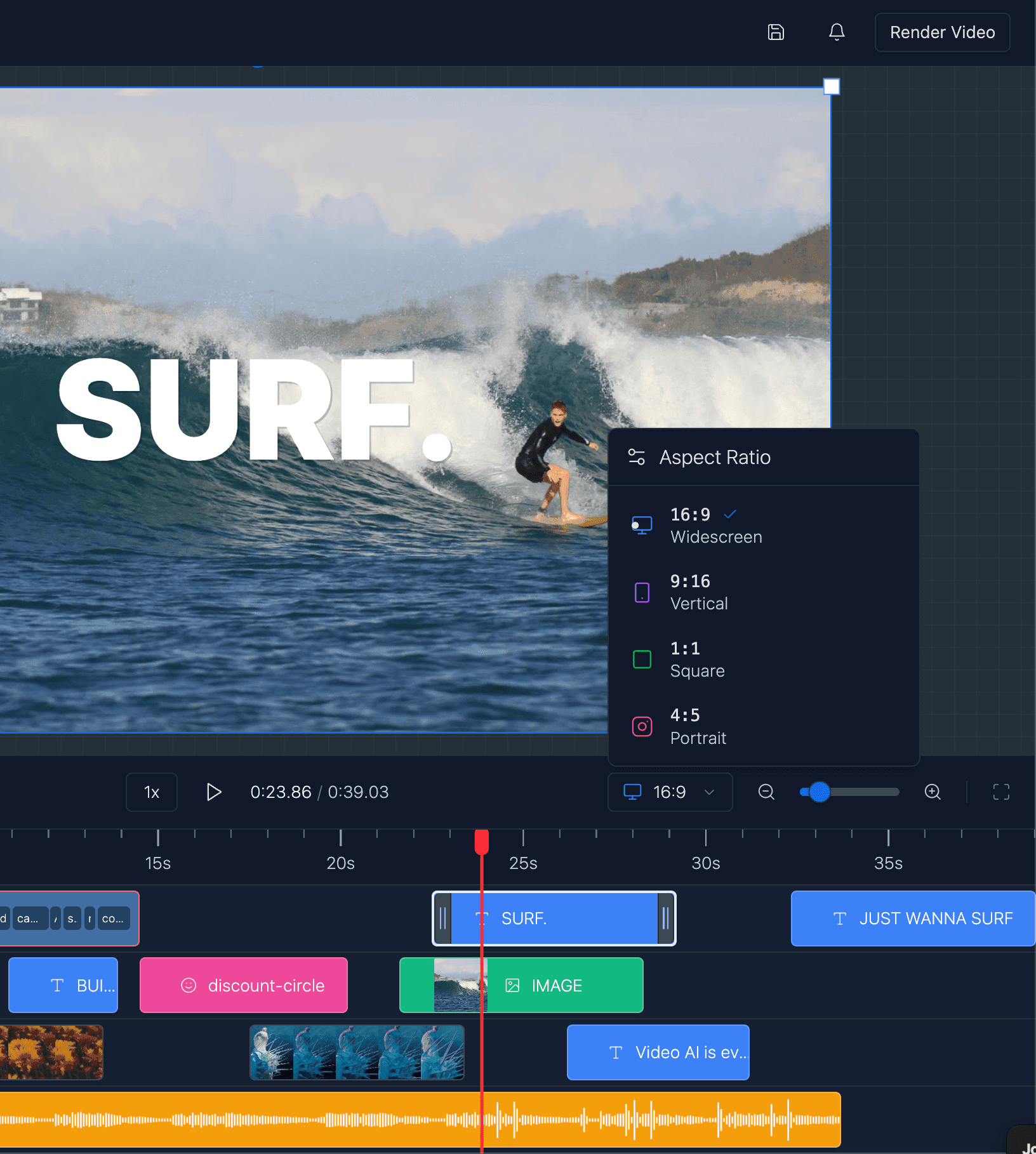
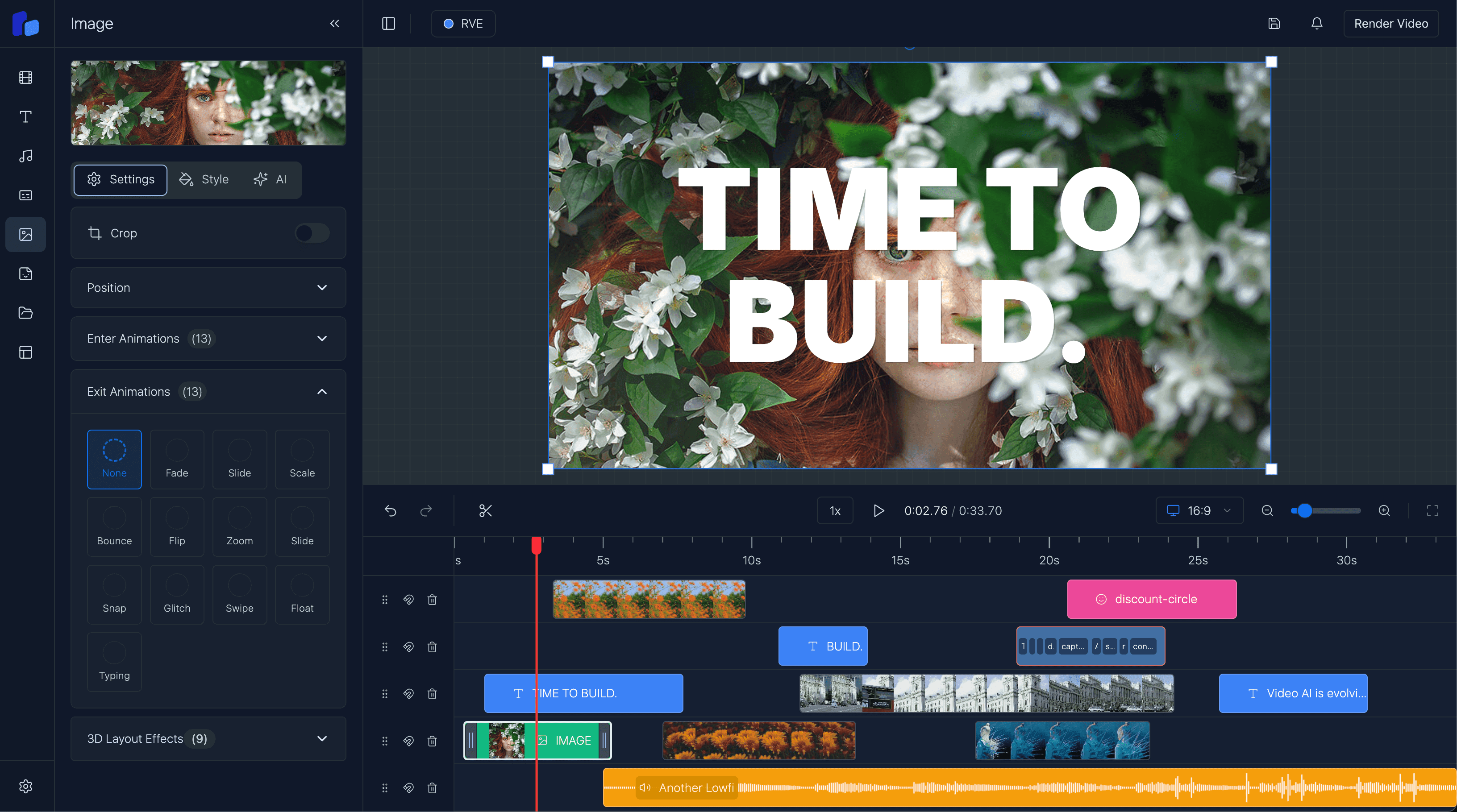
Understand how overlay management works for text, graphics, branded elements, and layered video composition.
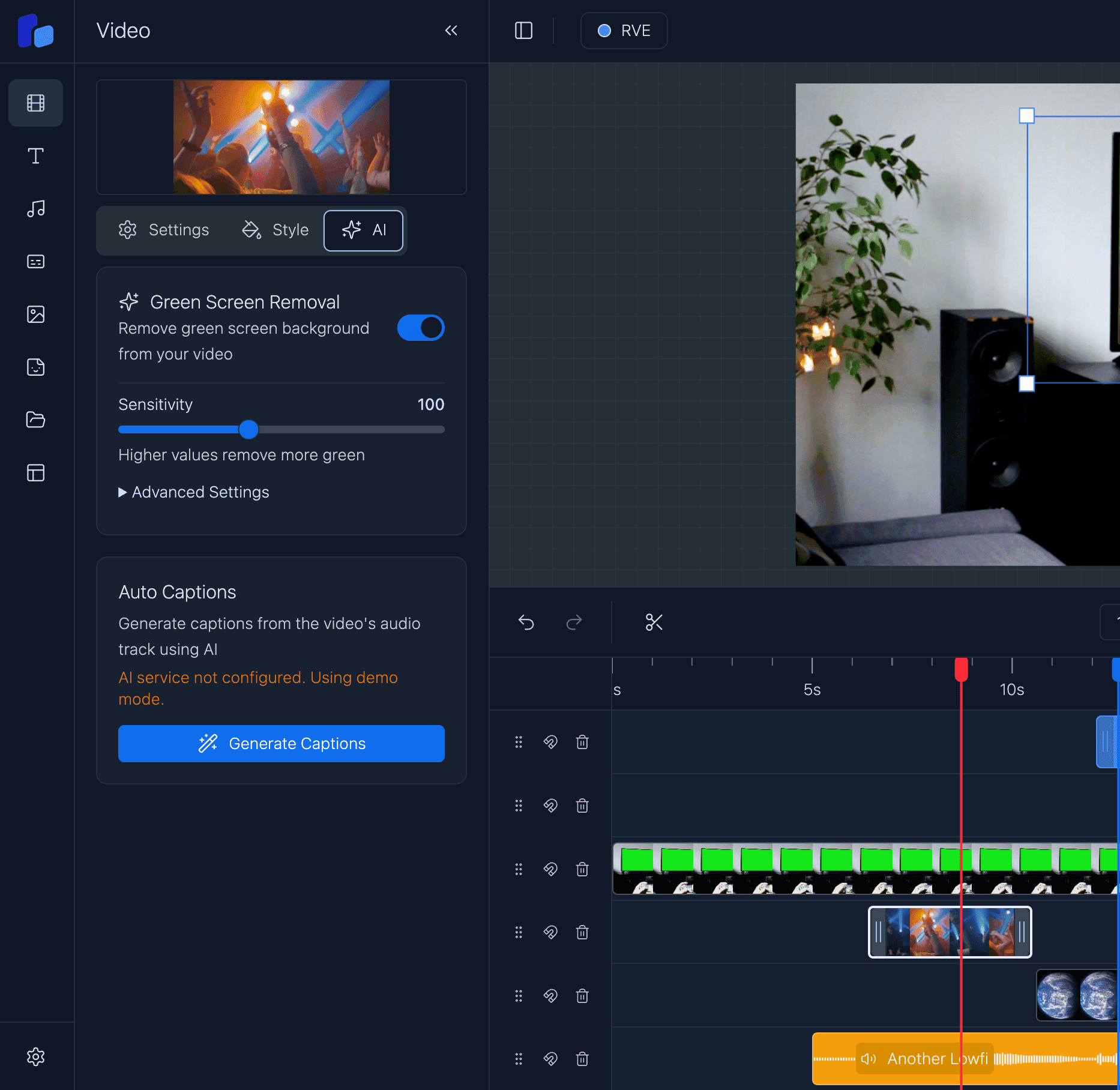
Explore transition handling for clip changes, motion polish, and production-ready editing workflows.
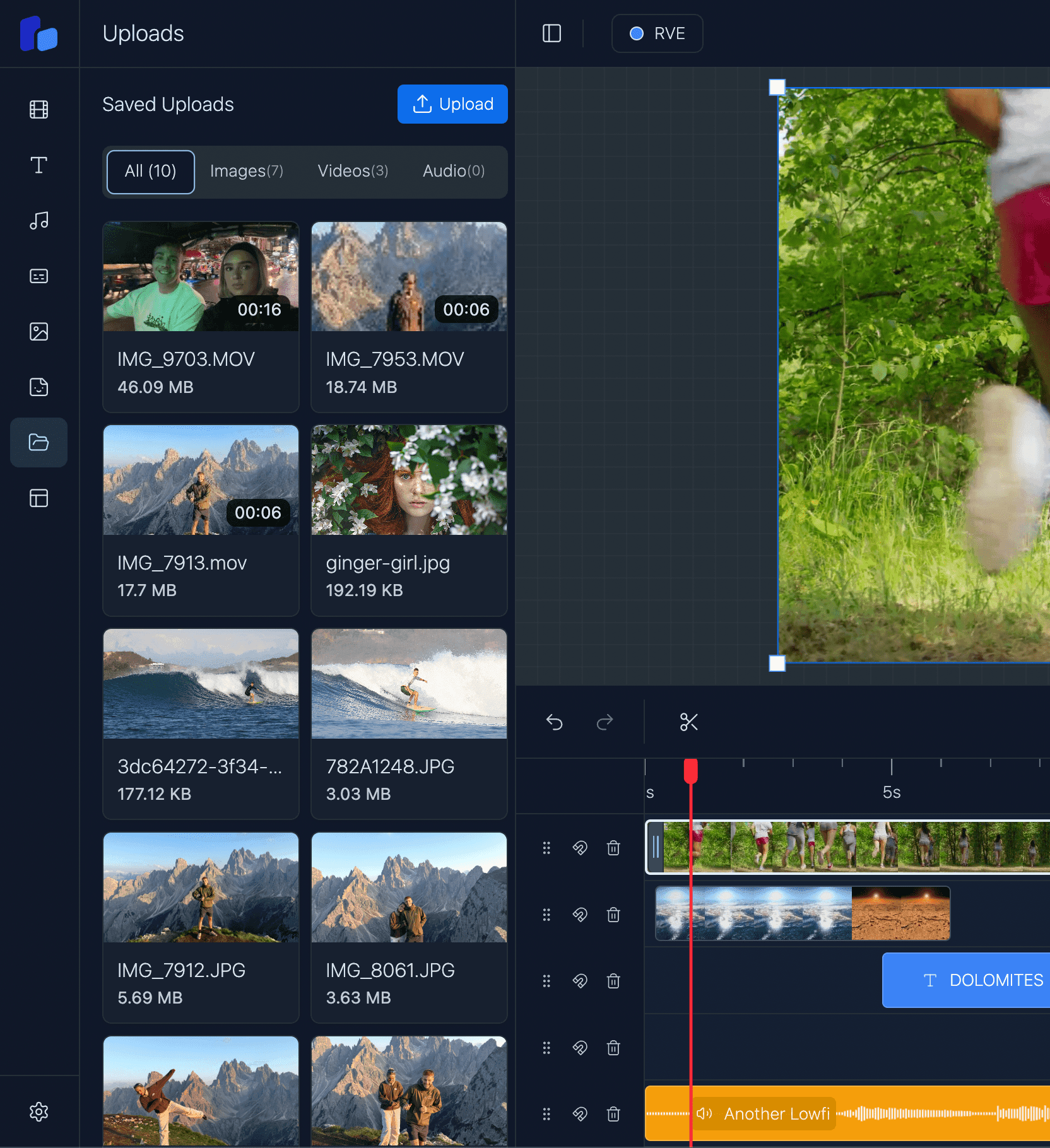
See how local media uploads fit into the editor flow, asset handling, and browser-based video creation.
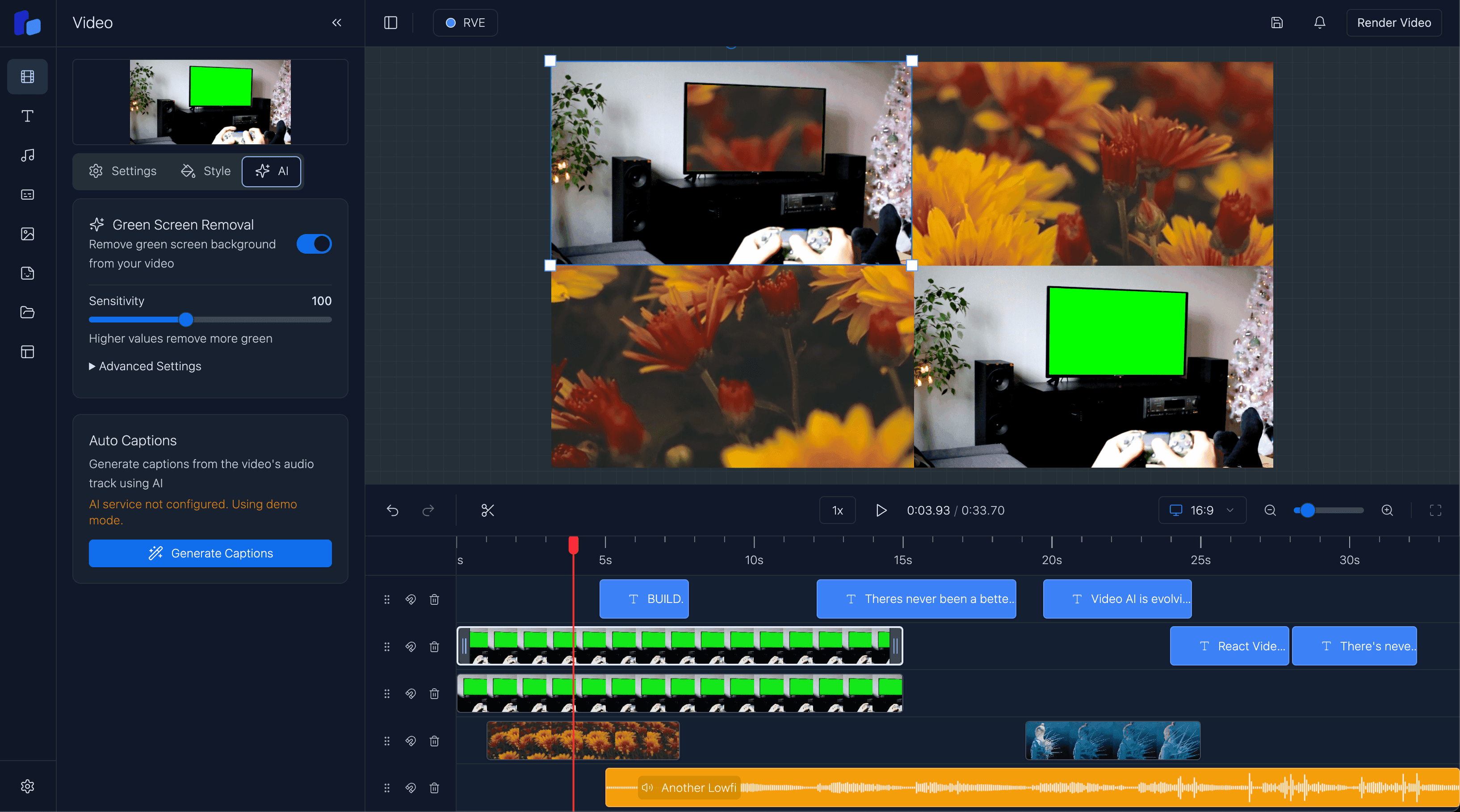
Review the AI-facing feature layer for products that combine generation, editing, review, and workflow control.
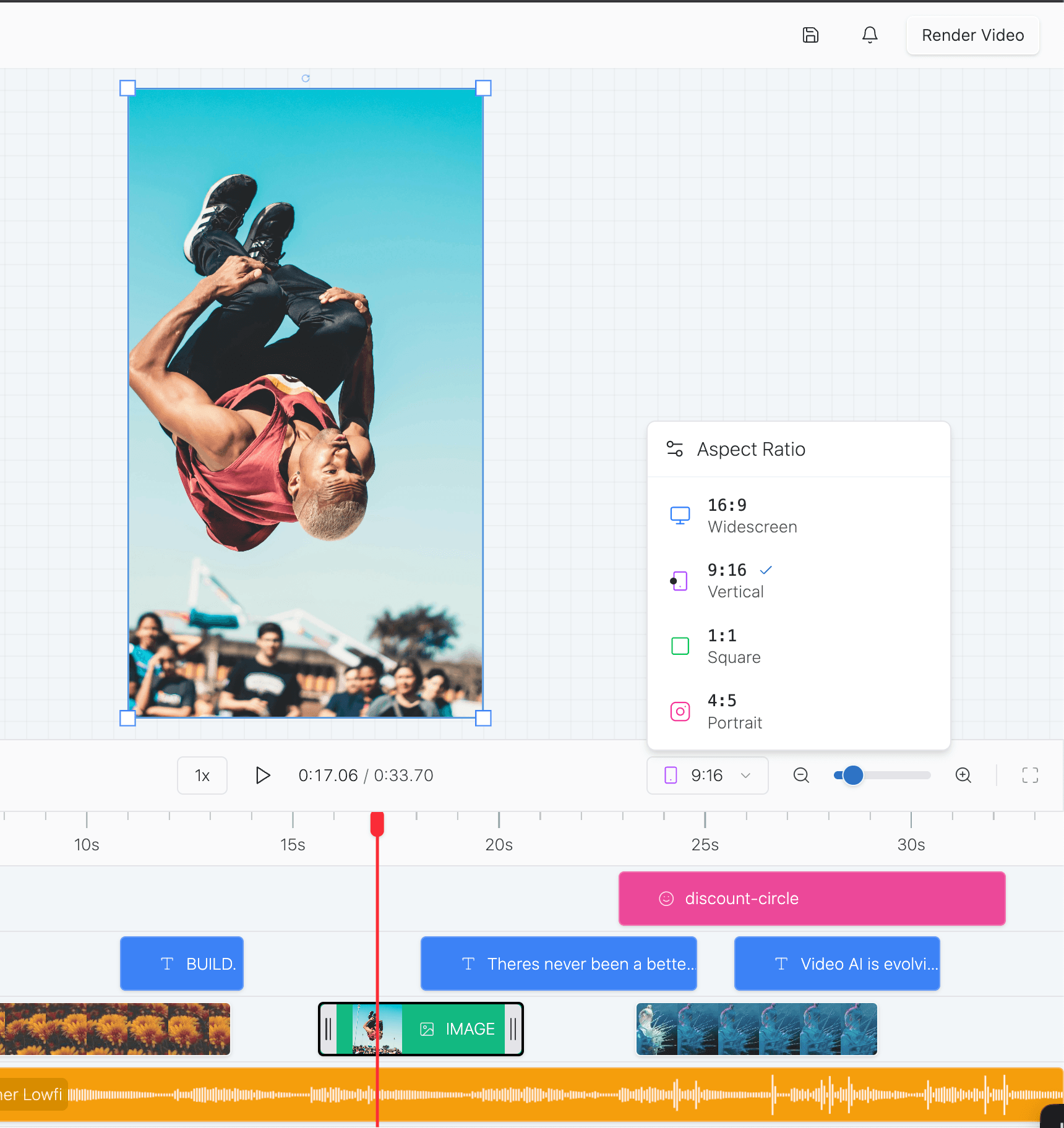
Understand the rendering layer and how export-oriented video workflows fit into the broader editor architecture.
See how teams can align the editor with their own product styling, branding, and UI language.
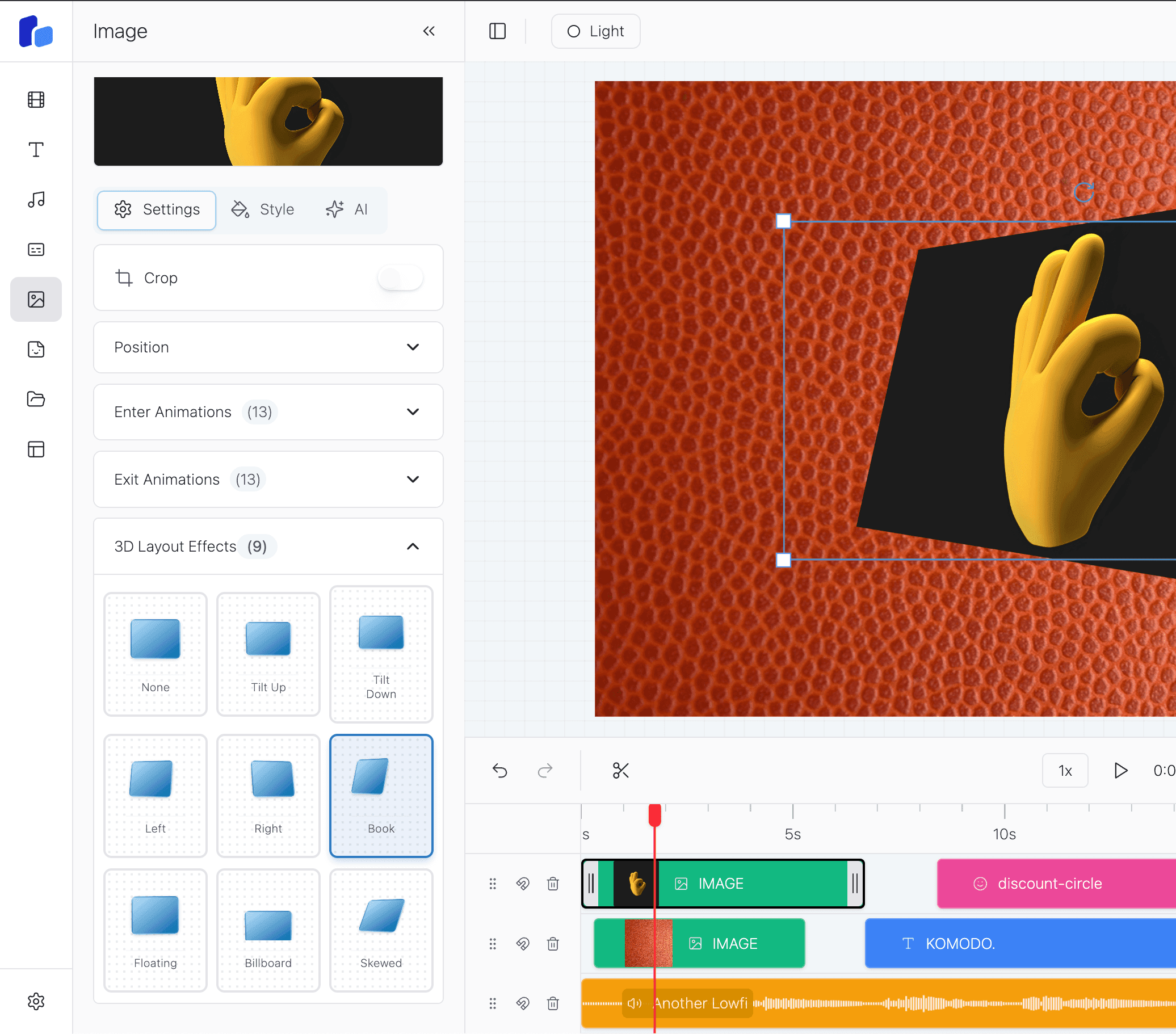
Explore advanced layout capabilities for richer scene composition and more flexible visual presentation.
Feature pages answer product-surface questions. If you are earlier in the decision, compare them with buyer/use-case pages and implementation guides so the product, workflow, and technical path all connect cleanly.
Explore next
Choose RVE SDK for a maintained editor that receives regular updates. Choose RVE Pro when you need the complete source code.