How to Add Sound Effects to React Video Editor
Step-by-step guide to adding royalty-free sound effects and music to your React Video Editor app using the Lots of Sounds API.
Sam
Creator of RVE
React Video Editor ships with built-in support for Lots of Sounds, a royalty-free sound effects and music API.
Once connected, your users can search, preview, and add 1,500+ CC0-licensed sounds directly from the editor timeline - no file uploads, no stock site tab-switching, no attribution headaches.
This guide walks you through the setup from scratch.
Key takeaways
- RVE includes the full Lots of Sounds integration out of the box - you just need to add your API key.
- All sounds are CC0 licensed, so there are no attribution requirements or commercial-use restrictions.
- The integration uses a server-side proxy pattern, so your API key is never exposed to the browser.
What you get
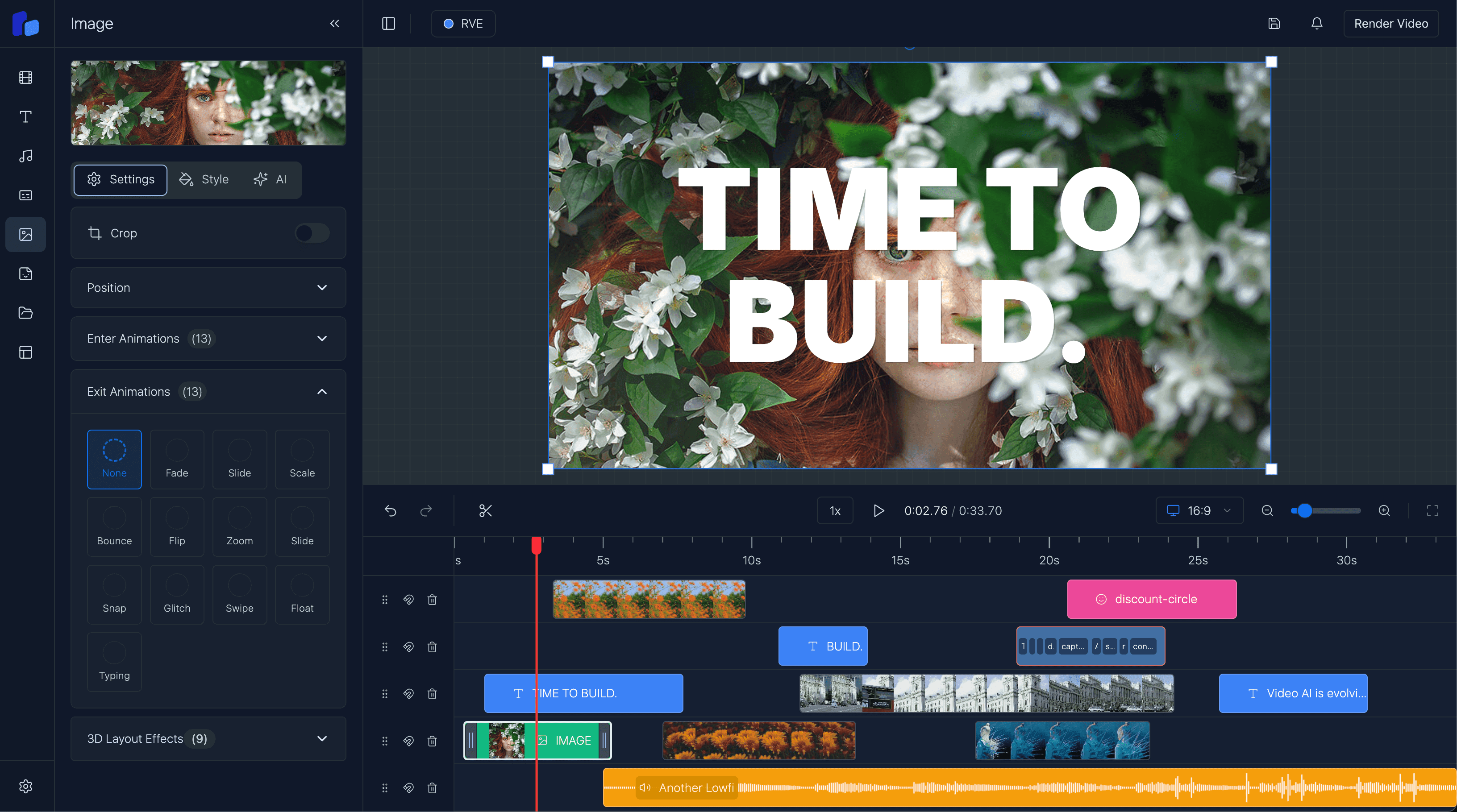
When the integration is active, the Sounds panel in the editor sidebar lets users:
- search for sounds using natural language queries like "gentle notification chime" or "dramatic cinematic boom"
- preview sounds inline before adding them to the timeline
- drag or click to add a sound to the timeline at any position
- browse results from multiple audio sources in separate tabs
All of this is already wired up in RVE. The only thing you need to provide is a Lots of Sounds API key.
Step 1: Create a Lots of Sounds account
Head to lotsofsounds.com/sign-up and create an account.
Subscribe to either:
- Pro ($15/month) - 2,500 API requests/day, 250 downloads/day
- Enterprise ($49/month) - 50,000 API requests/day, unlimited downloads
Use code RVE20 for 20% off any plan.
Once subscribed, go to your dashboard and generate an API key. It will start with los_.
If this is you
- You have pulled down React Video Editor and want to enable the built-in audio panel.
- You are building a video editor product and want users to search and add sounds without leaving the app.
- You are building AI video workflows where audio needs to be selected programmatically.
Step 2: Add your API key to the environment
Add your Lots of Sounds API key to your .env file in the root of your project:
NEXT_LOTSOFSOUNDS_API_KEY=los_your_api_key_hereThat is the only configuration needed. RVE reads this key server-side and never exposes it to the browser.
Restart your dev server after adding the key:
npm run devStep 3: Verify it works
Open your editor and click the Sounds tab in the sidebar. You should see search results from Lots of Sounds immediately.
If the key is missing or invalid, the panel will fall back to showing only the default static audio tracks. Check your terminal for a LotsOfSounds API key not configured error if results are not appearing.
How the integration works under the hood
You do not need to understand this to use it, but it helps if you want to customize the behavior.
RVE uses a server-side proxy pattern with three layers:
API routes
Two Next.js API routes handle all communication with Lots of Sounds. Your API key stays on the server and is never sent to the browser.
/api/sounds/search - proxies search queries:
// app/api/sounds/search/route.ts
const response = await fetch(
  `https://api.lotsofsounds.com/api/v1/sounds?${params.toString()}`,
  {
    headers: { "x-api-key": process.env.NEXT_LOTSOFSOUNDS_API_KEY },
  }
);
/api/sounds/stream/[id] - proxies audio playback. This is a two-step process:
- Fetches a signed download URL from the Lots of Sounds API
- Streams the actual audio bytes back to the client
The proxy approach is necessary because the browser cannot follow cross-origin redirects to signed URLs, and the waveform processor needs raw audio bytes. Audio responses are cached for one hour.
The adaptor
The lotsofsoundsAudioAdaptor in app/reactvideoeditor/pro/adaptors/lotsofsounds-audio-adaptor.ts converts Lots of Sounds API responses into the StandardAudio format that the editor understands:
function mapToStandardAudio(item: LotsOfSoundsItem): StandardAudio {
  return {
    id: item.id,
    title: item.name,
    artist: "LotsOfSounds",
    duration: item.duration,
    file: `/api/sounds/stream/${encodeURIComponent(item.id)}`,
    attribution: {
      source: "LotsOfSounds",
      license: item.license,
    },
  };
}
All audio URLs point to the local proxy route, so the API key is never leaked to the client.
Default adaptors
RVE registers audio sources in app/reactvideoeditor/pro/adaptors/default-audio-adaptors.ts:
export const getDefaultAudioAdaptors = (): SoundOverlayAdaptor[] => {
  return [lotsofsoundsAudioAdaptor, defaultAudioAdaptor];
};
The Lots of Sounds adaptor is included by default alongside a small set of static stock tracks. If you want to add your own audio sources, you can create additional adaptors that implement the SoundOverlayAdaptor interface and add them to this array.
Customizing search behavior
The Lots of Sounds API supports several search parameters that you can use to filter results:
| Parameter | Description |
|---|---|
q | Natural language search query |
tags | Comma-separated filter tags (AND logic) |
min_duration | Minimum duration in seconds |
max_duration | Maximum duration in seconds |
sort | Sort by duration or name |
order | asc or desc |
limit | Results per page (1-100, default 20) |
page | Page number |
If you want to pass additional parameters, you can modify the search route at app/api/sounds/search/route.ts to forward them to the upstream API.
Using Lots of Sounds in AI video workflows
If your app supports AI-assisted video creation, the Lots of Sounds API works especially well because it accepts natural language search queries.
An agent or backend process can search for sounds like "subtle notification ping" or "cinematic boom with reverb" and get structured results back without needing exact tag names.
def search_sounds(query: str, tags: str = None, limit: int = 5) -> dict:
    """Search for royalty-free sound effects and music."""
    params = {"q": query, "limit": limit}
    if tags:
        params["tags"] = tags
    response = requests.get(
        "https://api.lotsofsounds.com/api/v1/sounds",
        headers={"x-api-key": "los_your_key"},
        params=params,
    )
    return response.json()
Lots of Sounds also publishes tool schemas for OpenAI function calling and Claude tool use, plus a full OpenAPI spec at lotsofsounds.com/openapi.yaml. For more on AI-driven video workflows, see React Video Editor for AI Video Apps.
What the built-in integration gives you
- Search, preview, and add sounds without leaving the editor - zero setup beyond the API key.
- API key stays server-side so it is never exposed to your users.
- CC0 licensing means no attribution tracking or legal overhead.
- Natural language search works for both humans and AI-driven workflows.
What you may want to customize
- The default integration forwards only query, limit, and page - add tag or duration filters by editing the search route.
- If you need user-managed API keys instead of a shared key, you will need to modify the proxy routes.
- Search results are not cached client-side - consider adding caching if you expect heavy usage.
Available sound categories
The catalog covers the categories most editors need:
- Nature and weather: thunder, rain, wind, ocean, forest, birds, water
- UI and interface: clicks, notifications, transitions, chimes
- Foley: footsteps, doors, keyboards, glass, camera shutters, corks
- Music: piano, guitar, drums, synth, vinyl, lofi
- Cinematic: booms, drones, lasers, whooshes, swooshes
- Ambient: crowds, subways, fireplaces, helicopters
All 1,500+ sounds are royalty-free and commercially cleared under CC0.
Questions readers usually ask
Next step
Get started with sound effects in your editor
Sign up for Lots of Sounds, add your API key, and your users can search and add audio without leaving the editor.