Templates
Browse Remotion Templates
Prefer React? Get 80+ free Remotion components — the same effects as ready-to-copy React video templates.
Read next
Browse free HyperFrames templates, preview them live, and copy the HTML. Each block is a self-contained HTML composition for titles, lower thirds, charts, and transitions, ready to render to video with HyperFrames.

The same effects as ready-to-copy Remotion (React) components.
Go from free HyperFrames blocks into the Remotion templates, the installation docs, and the integration guides.
Prefer React? Get 80+ free Remotion components — the same effects as ready-to-copy React video templates.
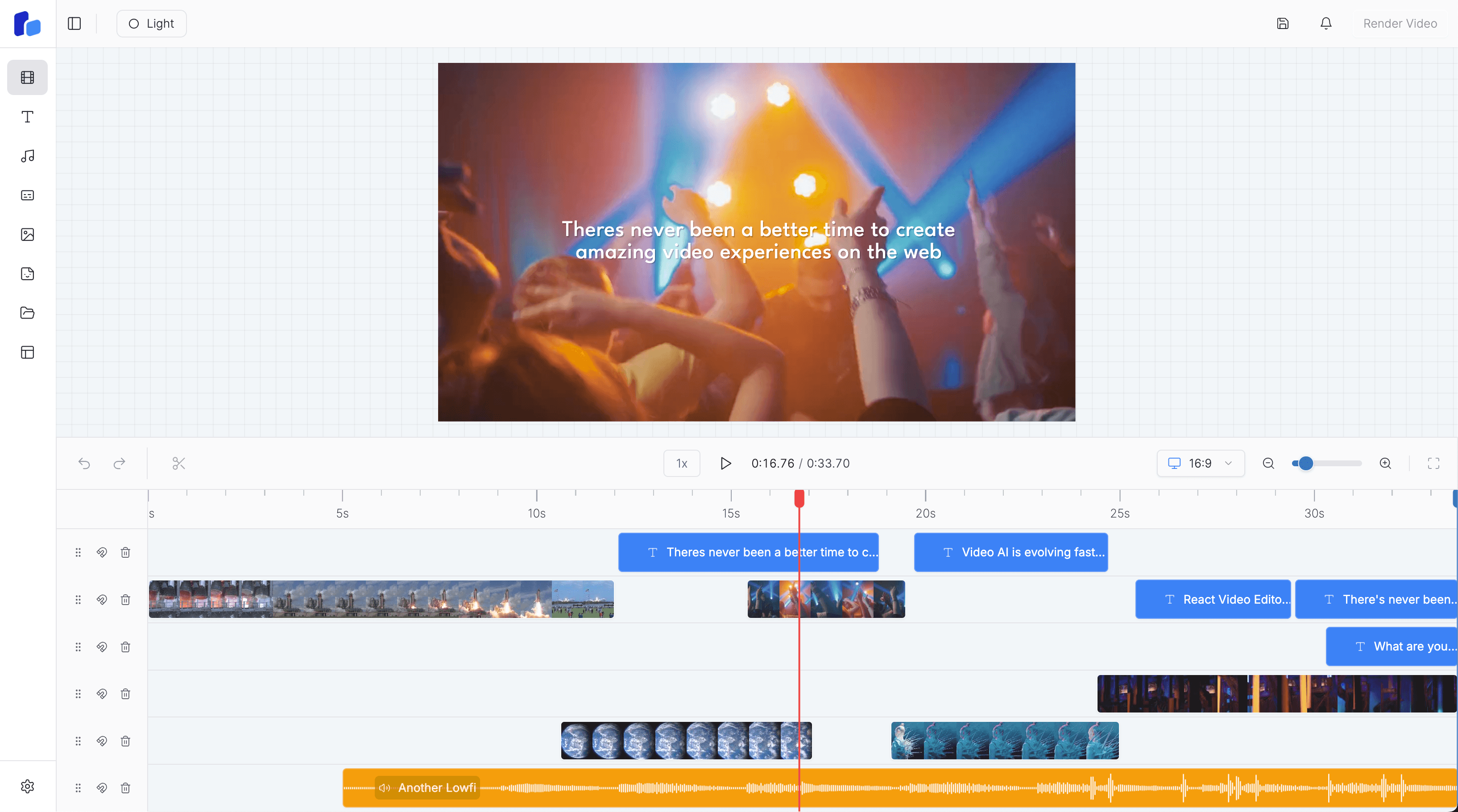
Install @react-video-editor/core, mount the editor, and understand the core pieces of a browser-based video editor.

A practical guide to embedding React Video Editor into a Next.js product and owning the editor workflow inside your app.
Yes. Every block on this page is free to browse, preview, and copy. Each one is a self-contained HTML composition you can drop straight into a HyperFrames project or any web page.
HyperFrames renders HTML into video, so a HyperFrames template is an HTML composition: markup plus CSS (and sometimes a little JavaScript) that animates a scene. Copy the block, edit the text and colours, and render it to MP4.
Copy the block's HTML, paste it into your HyperFrames composition, and adjust the content to your data. Because it is plain HTML and CSS, it also works as a normal web page or an overlay in any project.
Yes. If you build with React, our Remotion templates gallery has 80+ free components. This HyperFrames gallery is the HTML-native companion for the same effects.
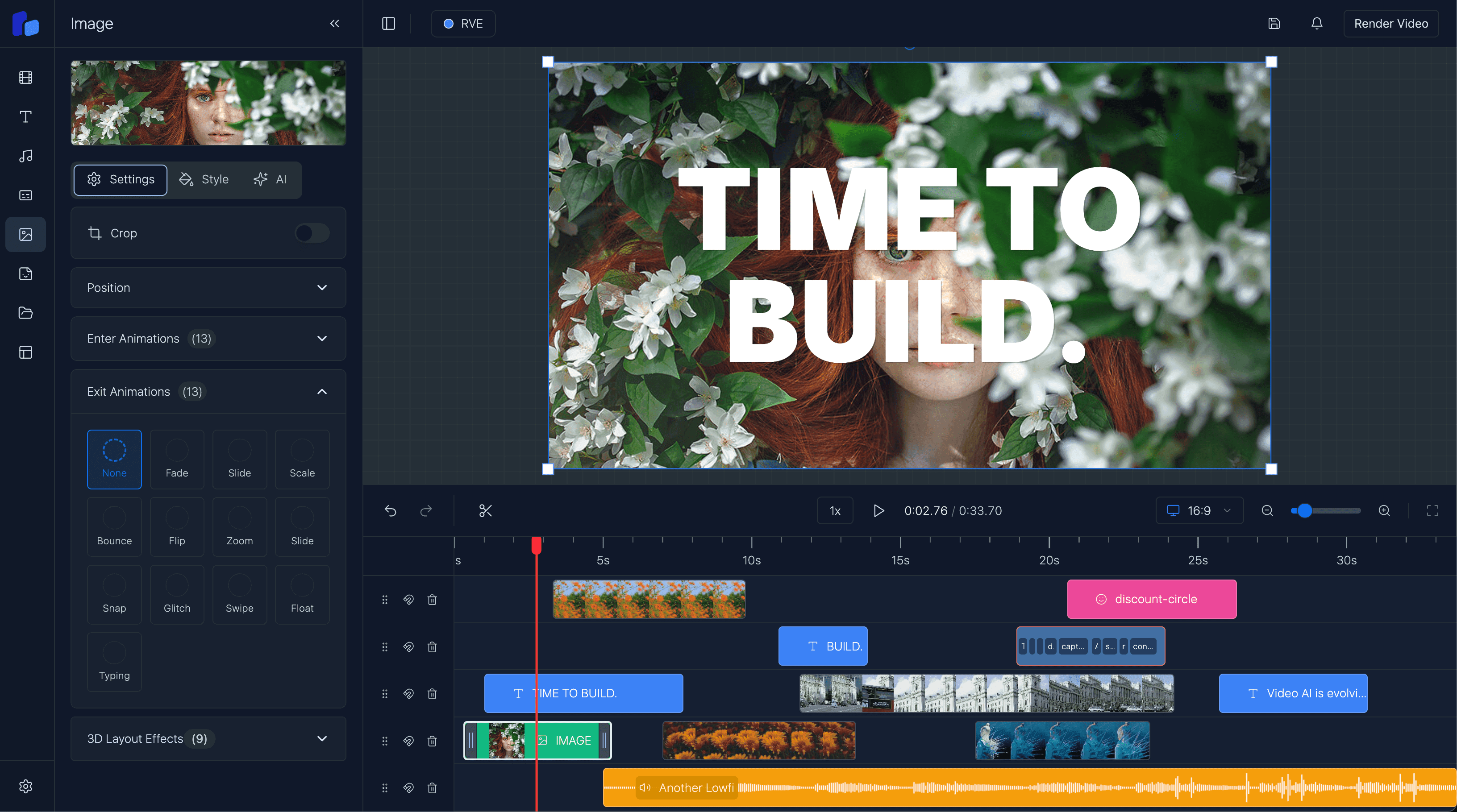
Choose RVE SDK for a maintained editor that receives regular updates. Choose RVE Pro when you need the complete source code.