Fast server rendering
Render videos in RVE Cloud in the region selected for your account. RVE manages the servers, capacity, and render updates.
RVE Cloud Rendering
No render servers to deploy, tune, or maintain.
Managed render flow

Editor / AI Agent
Video ready to render
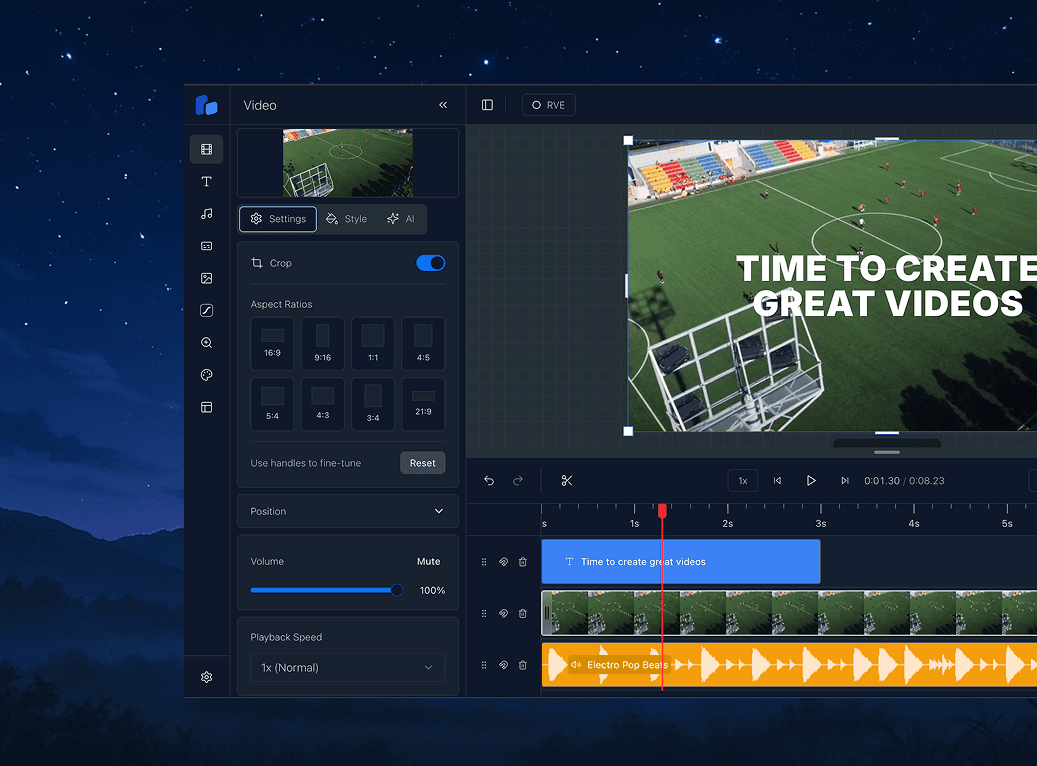
Cloud Rendering
Autoscaling capacity
Batch output
10,000 videos


Your product should be able to render 10 videos or 10,000 without you having to rethink the infrastructure behind it. RVE Cloud Rendering handles the complexity of running video rendering at scale. Start renders from your editor, backend, automation, or AI agent. Track every job in one place and deliver finished videos without managing servers, queues, capacity, or failures.
Managed by RVE
Render videos in RVE Cloud in the region selected for your account. RVE manages the servers, capacity, and render updates.
Use the same API for one video or a large batch. Capacity expands with your render volume, without a separate infrastructure project.
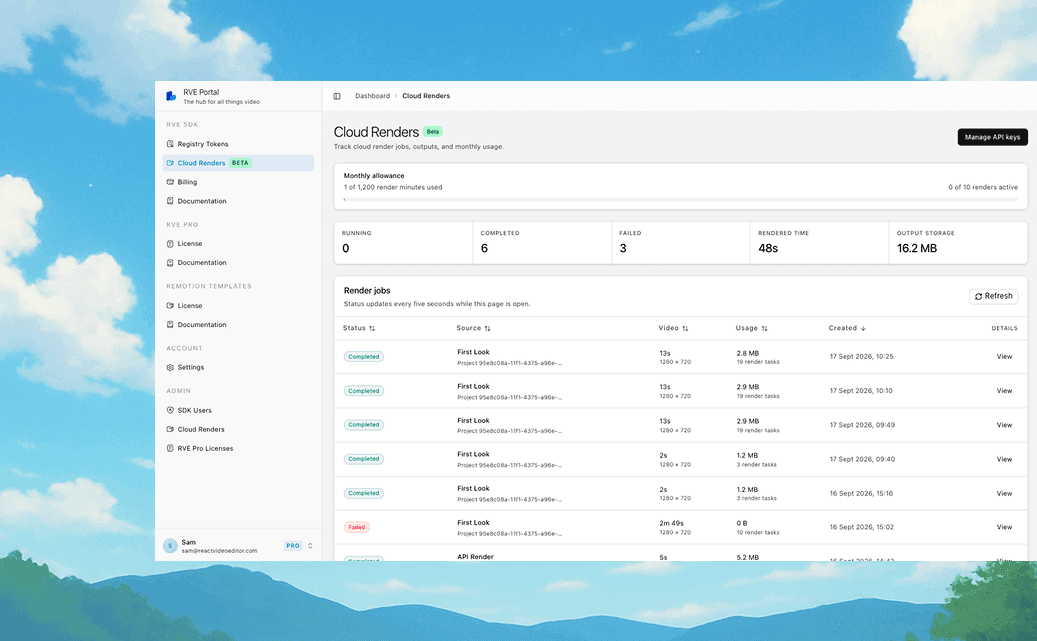
See status, progress, duration, output size, and estimated infrastructure cost for every render. Failed jobs include clear error details.
One rendering API
Keep the API key on your server. Send a render request, monitor the job, and use the finished video.
Create and manage server-side access in the RVE Portal.
Send a render request from your product, workflow, or agent.
Track progress, handle the result, and download the completed output.
RVE Portal
Manage API keys and review jobs, progress, cost, errors, and output without opening AWS.
Questions
No. RVE manages the rendering infrastructure. Your application connects to one Cloud Rendering API without deploying or maintaining render servers.
Rendering runs in RVE Cloud in the region selected for your account. The render workload stays in that region.
Yes. Private media must use signed URLs that the render worker can access for the duration of the job. Browser blob URLs are not available to cloud workers.
Cloud Rendering is a paid SDK add-on. Public pricing is not available during the private beta while we confirm usage and retention requirements with customers.
Private beta
Tell us about your use case and expected render volume. We will review your application and contact you about beta access.